Our mission

Open Research Tools

Our mission is to build local-first and open-source AI systems that convert unstructured sources (e.g., audio, images, web content, and scholarly articles) into structured, searchable datasets, alongside analysis tools to extract and analyse data at scale.

NEW!

Systematic Reviewer - Research Preview
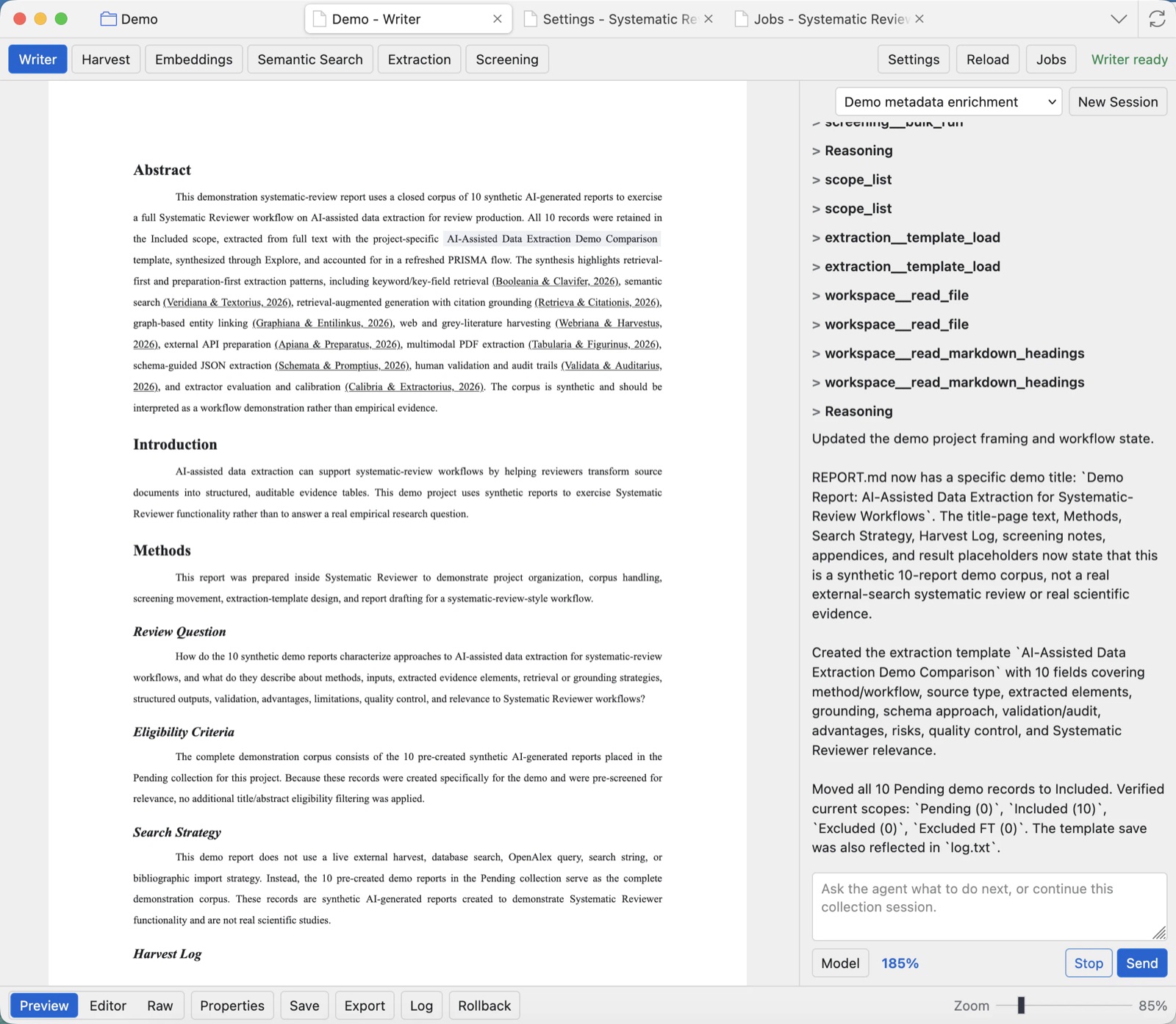
Systematic Reviewer running inside Zotero with a project open, showing the Writer report preview, project chat, model controls, export controls, and current Zotero-style navigation.

Built as a third-party extension for Zotero reference manager for systematic reviews and text-based research analysis, it turns a library collection into a project workspace for screening, extraction, semantic search, report development, traceable research workflows, and agentic automation with researcher control.
Transcribe Offline v2.1

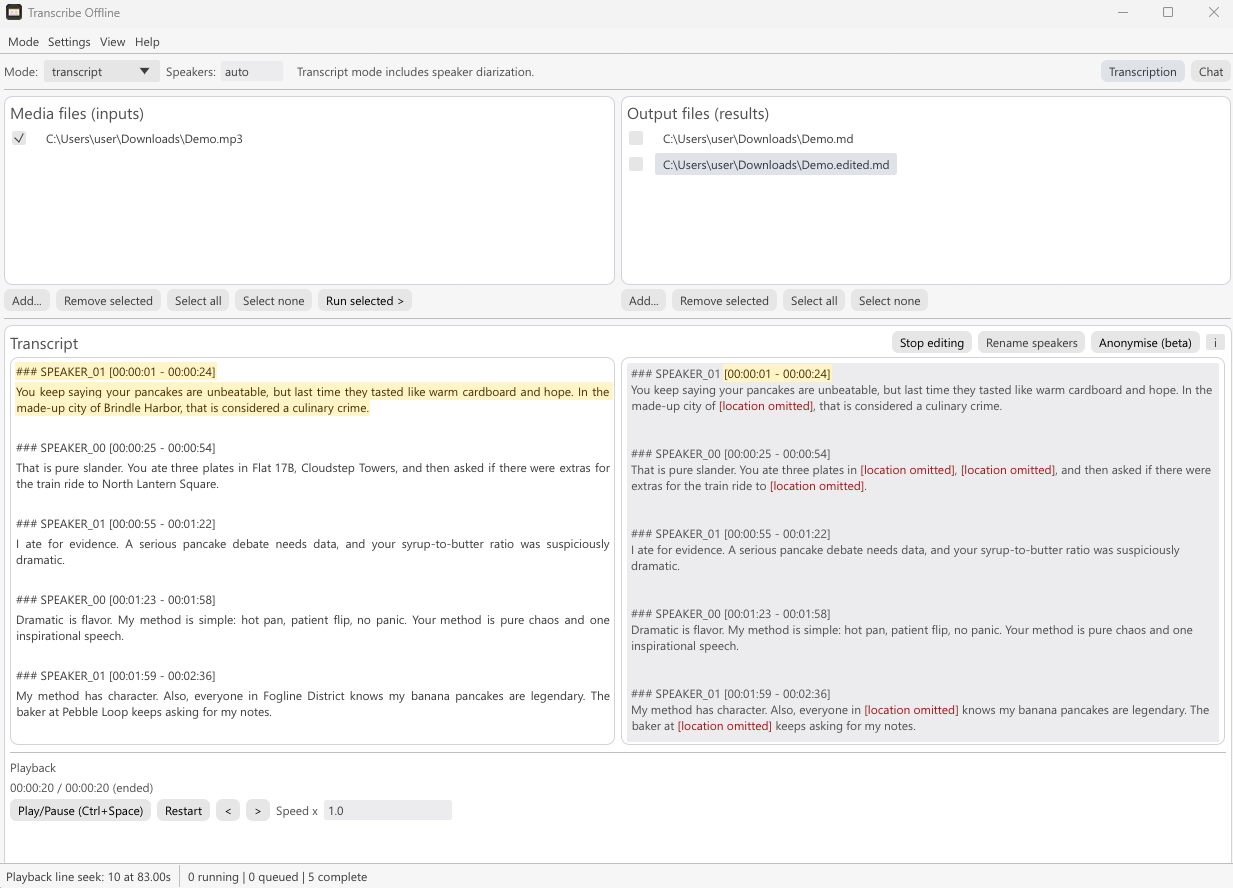
Transcribe Offline interface preview

Transcribe Offline is a free, open-source desktop app that runs entirely on your own hardware for both file transcription and true live transcription, including live speaker diarisation and subtitle export—no cloud uploads or per-minute fees. It supports GPU acceleration on MacOS* and Windows*, but still runs on lower-end devices.

Install or download Transcribe Offline v2.1 for:

MacOS* Windows* Learn more

Engine

OpenResearchTools-Engine is a local AI runtime built to be embedded directly into applications, with a small footprint and one consistent stack for chat, vision, embeddings, reranking, transcription/diarisation, and PDF-to-markdown workflows.

Engine Cluster (experimental) lets you split a runtime across multiple GPUs and machines, and can even mix CUDA, Vulkan, and Metal nodes in the same cluster.

OpenResearchTools Engine screenshot

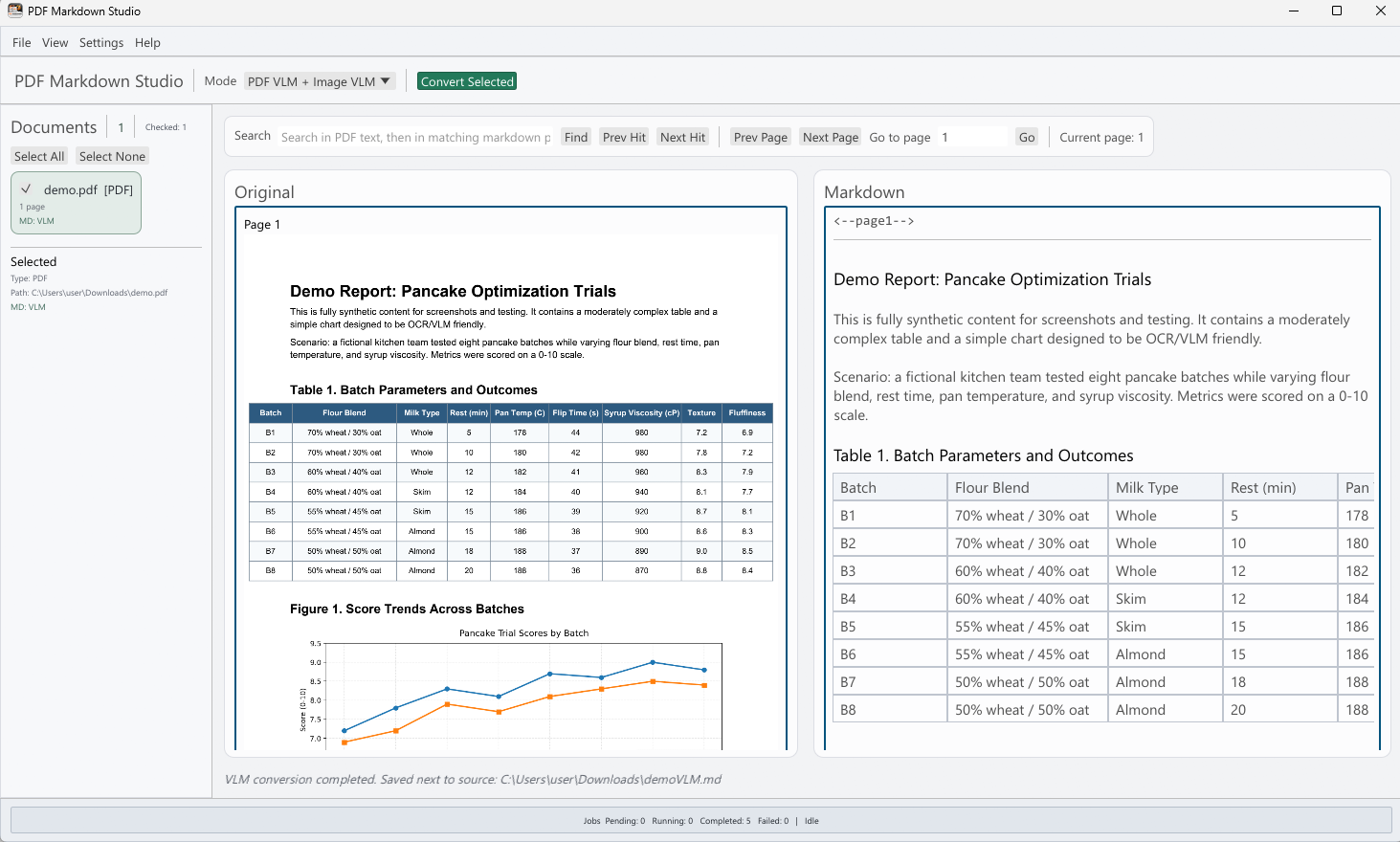
PDF Markdown Studio

PDF Markdown Studio interface preview

PDF Markdown Studio is a local-first desktop app for converting PDFs and images into clean, editable Markdown—powered by OpenResearchTools-Engine.

Use FAST extraction for machine-readable PDFs, switch to VLM conversion for scanned or layout-heavy documents, or let the app fall back automatically; then review and edit the Markdown in a side-by-side workspace before exporting.

MacOS* Windows* Learn more

* Unsigned Build Notice - Openresearch tools are an open-source hobby development effort by the repository owner. We do not currently have funding for full paid code-signing and notarisation pipelines across all platforms/releases. Because of that, operating-system protections or hardened security environments (for example Windows SmartScreen, enterprise endpoint controls, or MacOS Gatekeeper policies) may block unsigned binaries.

Debian 13+ · Ubuntu 24.04/26.04+ · amd64

Install Transcribe Offline

First Open Research Tools install

Add the signed repository and install the application with one command.

wget -qO /tmp/keyring.deb https://keyring.openresearchtools.com && sudo apt install -y /tmp/keyring.deb && sudo apt update && sudo apt install -y transcribe-offline

Repository already configured

If another Open Research Tools package has already added the repository:

sudo apt install transcribe-offline

APT installs the required Vulkan and CUDA Engine packages automatically.

Debian 13+ · Ubuntu 24.04/26.04+ · amd64

Install PDF Markdown Studio

First Open Research Tools install

Add the signed repository and install the application with one command.

wget -qO /tmp/keyring.deb https://keyring.openresearchtools.com && sudo apt install -y /tmp/keyring.deb && sudo apt update && sudo apt install -y pdf-markdown-studio

Repository already configured

If another Open Research Tools package has already added the repository:

sudo apt install pdf-markdown-studio

APT installs the required Vulkan and CUDA Engine packages automatically.